aura-spring-hero.jpg
Describe the shot your post needs. DAMdaryl searches your photos by what is in them, not limited to file names.
No credit card. Your trial starts when you sign up.
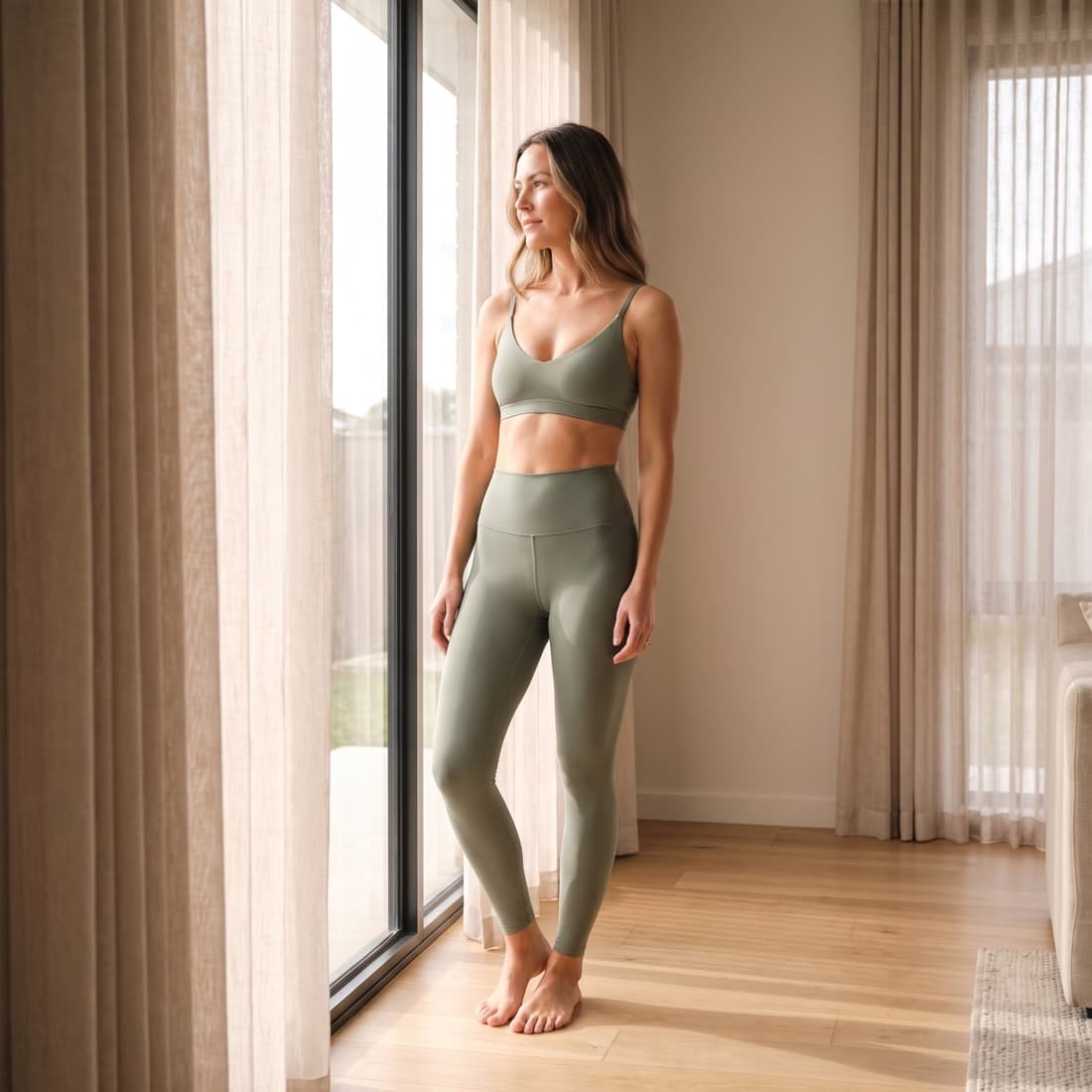
Illustrative example. Brand and images are fictional.
Check product, version and rights before you use any photo.
The request comes in by mood. The shoot was filed by date. Somewhere in between, the photo goes missing.
The post goes out this afternoon. You know the shot is from the spring shoot. The folder is called SS26_day2, and it holds 400 photos.
Describe the shot instead. "Woman stretching on a rooftop, sunset." DAMdaryl searches your photos by what is in them, not limited to file names.
Three folders. Three versions of the same shoot. Opening one almost-right photo after another, and still not sure which one is approved.
Search once, across every folder you bring in. Look at what comes back and check each one against the request before you choose.
Their files stayed. So did names like IMG_4471. Nobody else knows what's in them, so the team books another shoot for photos it already has.
You don't need to know what anyone called a file. Describe what's in the photo and search for it before you re-shoot.
Sign up and start on your own. Upload a folder of photos, or bring photos in from the storage you already use.
Type what the post needs, the way you'd say it to a colleague. Product, setting, mood, light.
DAMdaryl searches your photos by what is in them, not limited to file names. You look through the results and make the call.
Under the search, DAMdaryl is a full asset library, or DAM, for your brand's photos.
Describe the photo you need. DAMdaryl searches what each photo shows, not what it's called.
Store, organize and look through your brand's photos in one place.
Tell Daryl about your brand once: the look, the mood, what you show. It stays on file for the whole team.
In-house social and content teams at consumer brands who need the right photo for a post from a library they already have. If you need document collaboration, legal file review, or social publishing and scheduling, use a tool built for that job.
Describe the photo you need, the way you'd say it to a colleague. Include what has to be in the shot, like the product, color or setting. A formal brief isn't needed.
No. Start with a handful of photos you know well, then describe one of them. Upload them, or bring photos in from the storage you already use. Daryl stores a copy of each photo you bring in.
7-day free trial, no credit card. It starts when you sign up. Access pauses at day 7. Nothing is charged.
Add a brand and a folder of photos. Describe the shot you need, then look through what comes back before you choose.
Daryl is built for photos and other brand images. PDFs, decks, text documents and legal files aren't imported or analyzed. Keep those in your document system.
Yes. Read the privacy policy and ask us about your requirements before you import anything. A security review means a conversation about those requirements, not a certification. We don't claim SOC 2 certification on this site. Privacy policy →
No. The brand and images in the example are fictional demo material, and the request and result were set up to show how search works. No customer result is shown.
Describe the shot your post needs. DAMdaryl searches your photos by what is in them, not limited to file names.
No credit card. Your trial starts when you sign up.
Your photos stay yours. Daryl stores the photos you bring in and the analysis it creates. Read how we handle your data.